

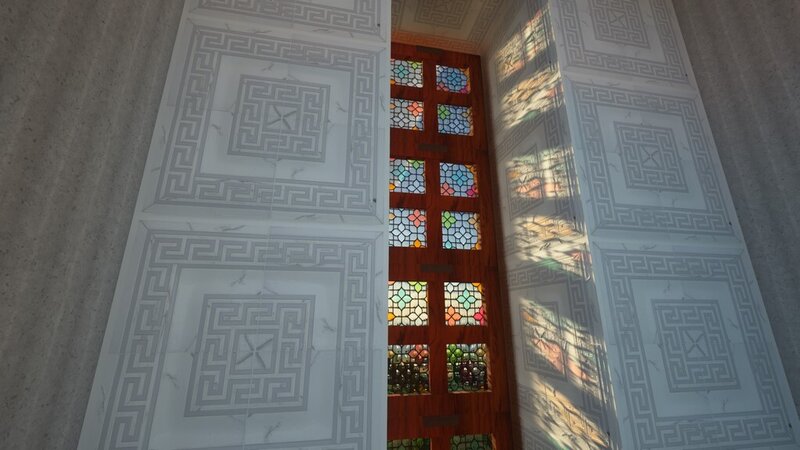
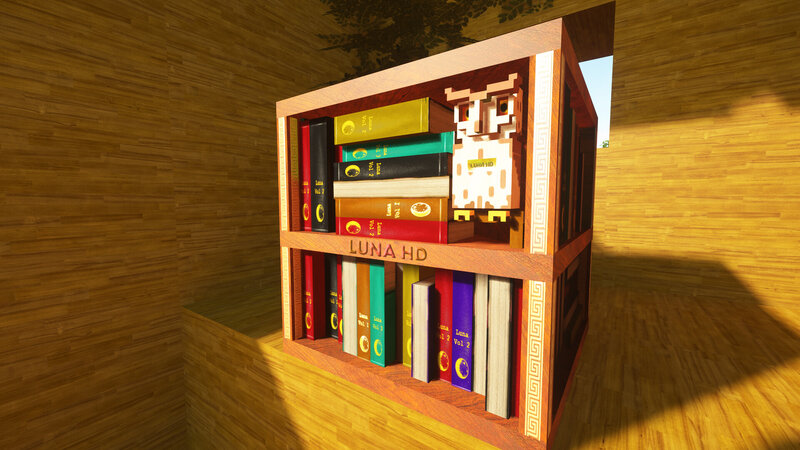
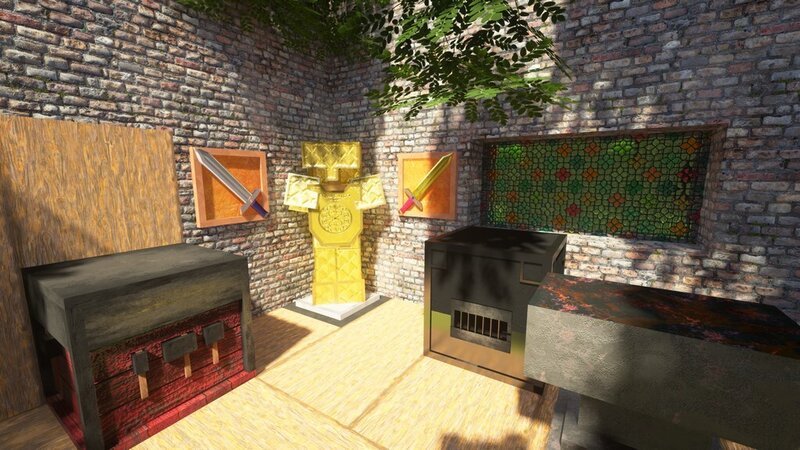
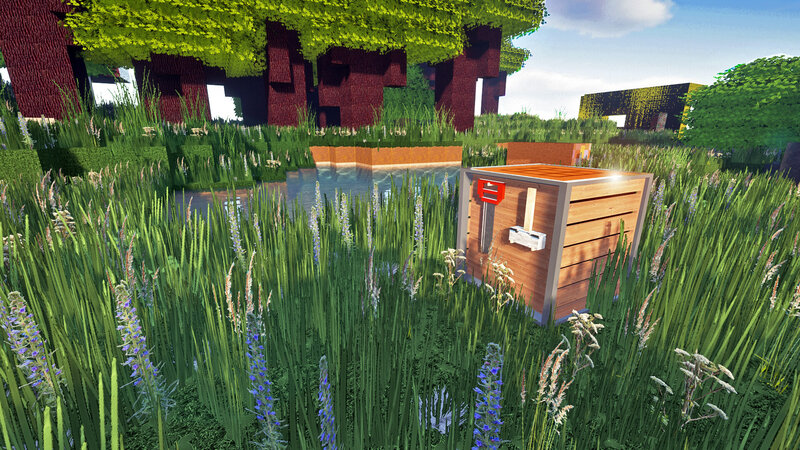
Another story about a super realistic resource pack that boggles the imagination of gamers around the world! Be amazed together with us!
Pictures (clickable):
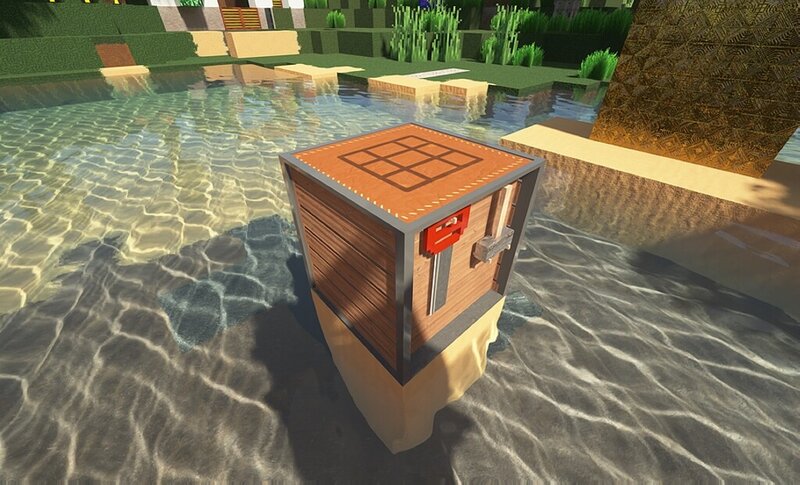
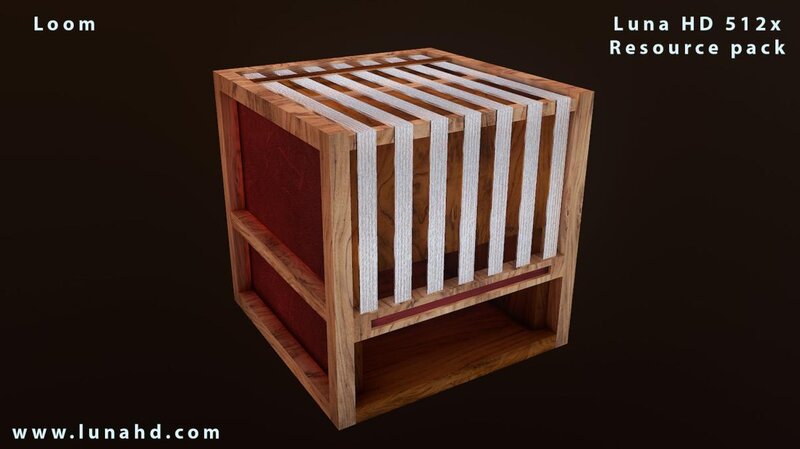
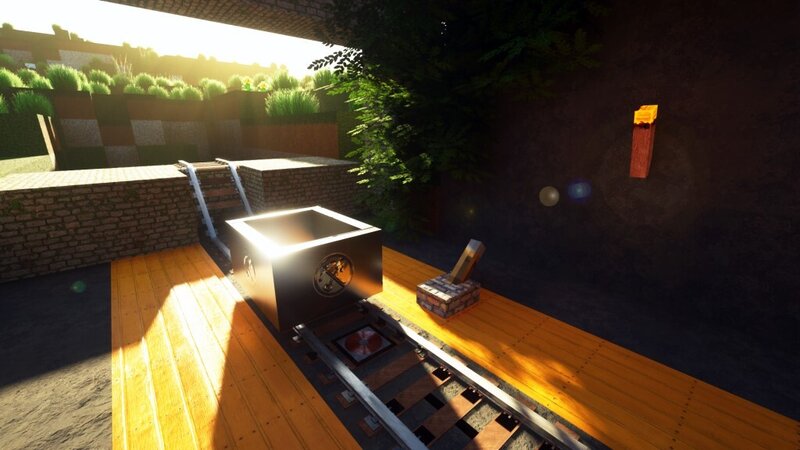
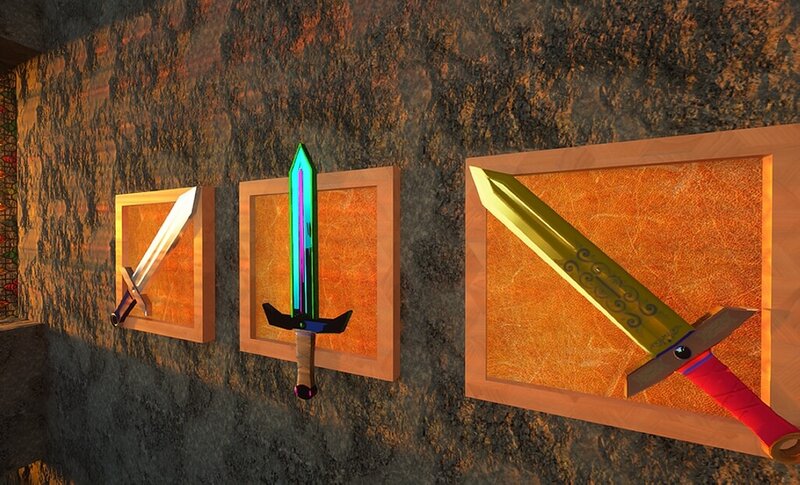
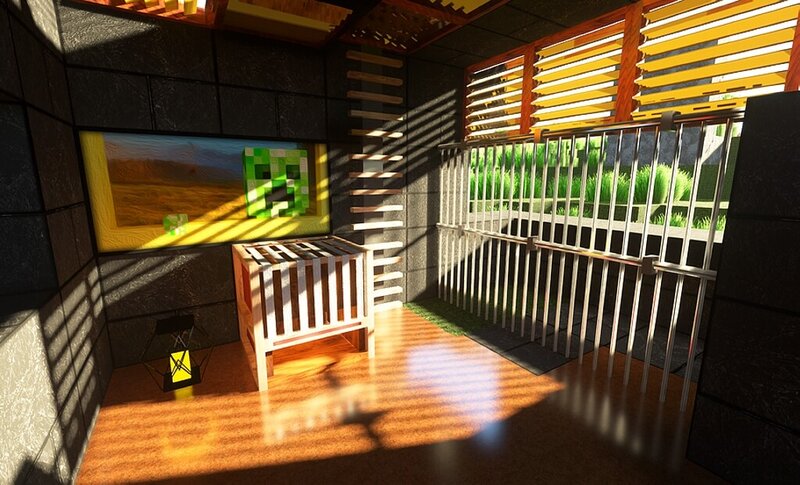
Dev(s): batusai-x
How to install Luna HD 64x JAVA on Minecraft:
- Install Optifine
- Download textures and drop them into the resourcepacks folder
- Download and put BSL Shaderpack in shaders folder. That's it!
- MORE
Download Luna HD 64x JAVA resource:
For 1.21.3 / 1.21.1 / 1.21.1 / 1.21 / 1.20.6 / 1.20.4 / 1.20.4 / 1.20.4 / 1.18 / 1.20.2 / 1.20.2 / 1.19.4 / 1.20.2 / 1.20.1 / 1.20.2:
- Download Luna 64x 1.21.3.zip (12.1.2026)
For 1.21.3
For 1.20.6
For 1.19.4
For 1.18.2
Short link
Be the first to comment