
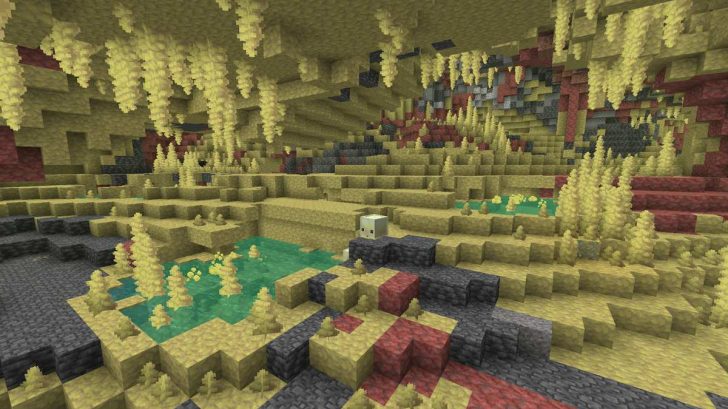
This command makes it easy to find the Sulfur Caves in Minecraft closest to the player.
TIP! How to use commands:
- Open chat by pressing T in English.
- Insert a command that begins with /.
- Press enter to get coordinates. Teleport using them.
For 26.2.x / newer:
- /locate biome minecraft:sulfur_caves
Be the first to comment