
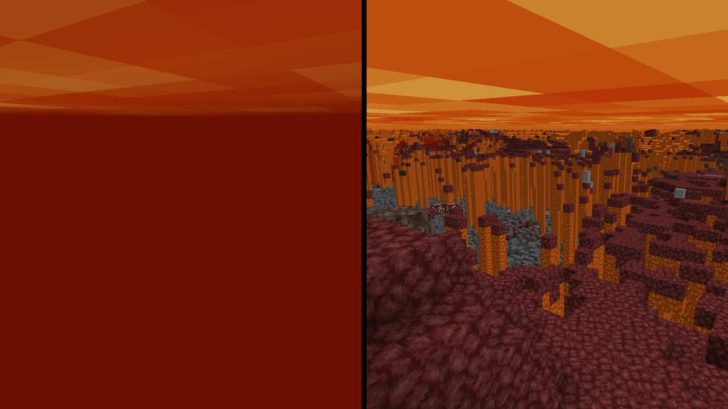
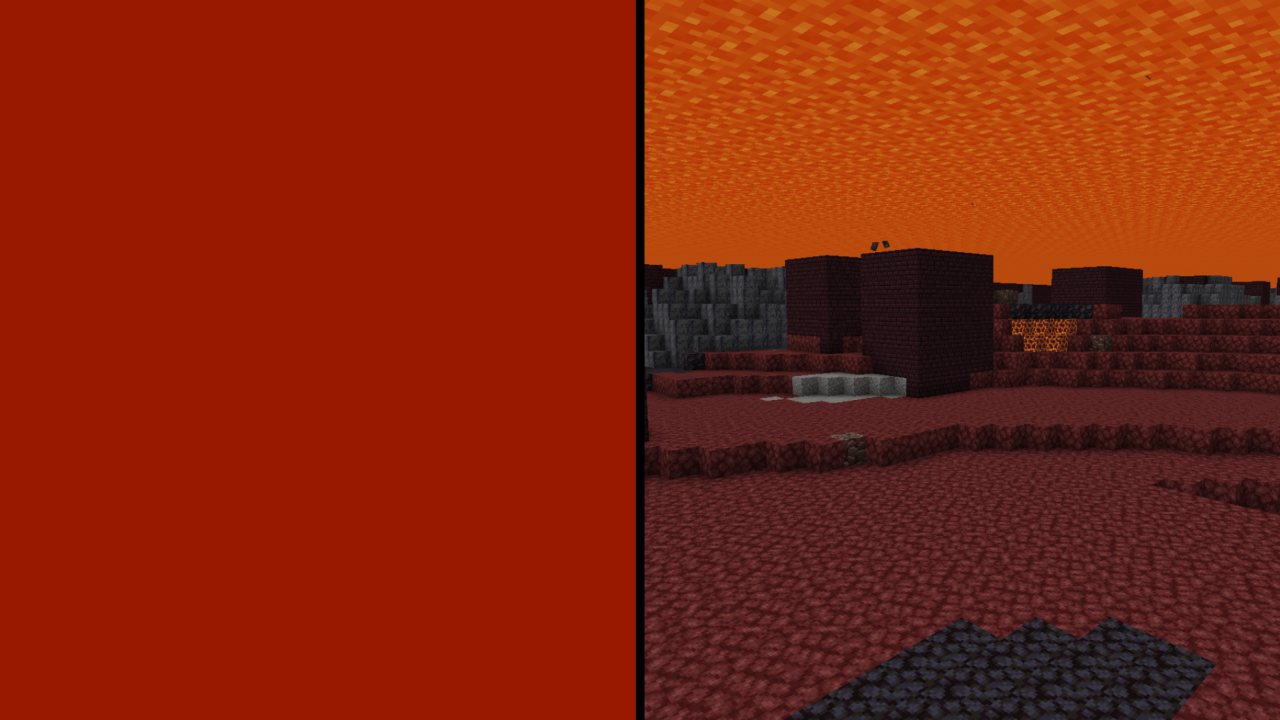
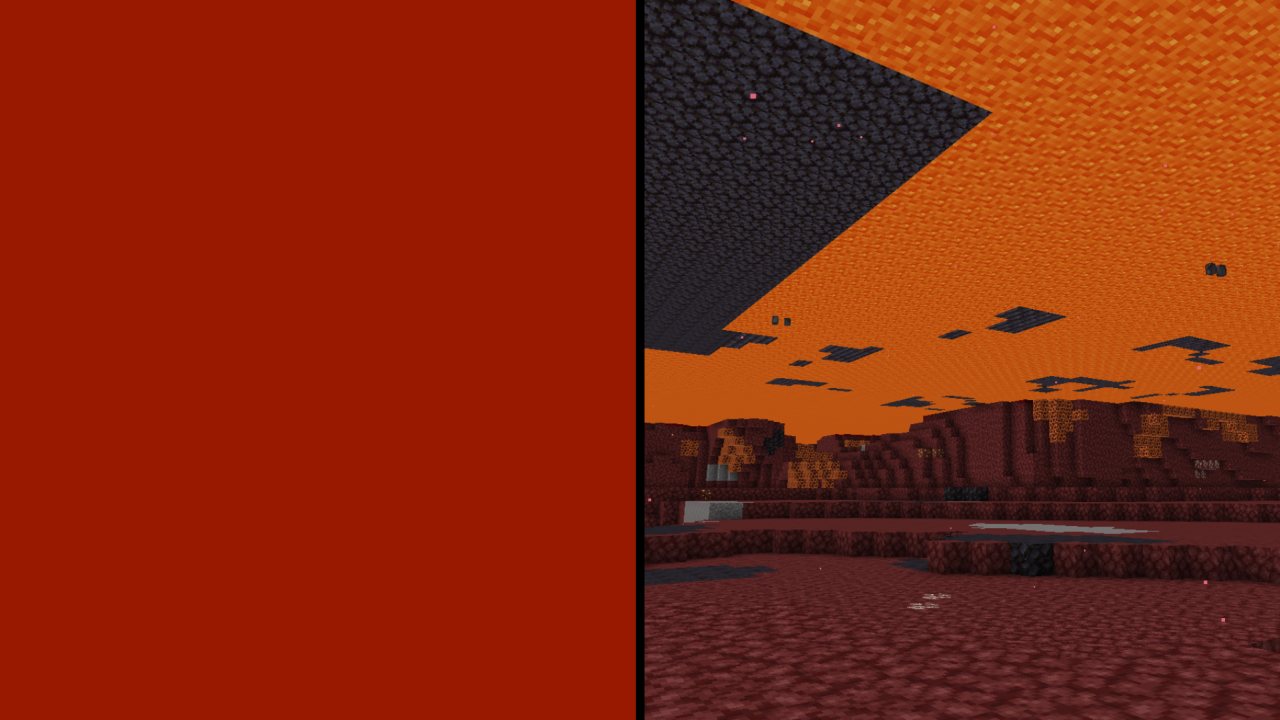
This texture pack removes the opacity of lava, making it completely transparent while preserving its bright, luminous appearance. Whether you’re scouting deep caverns, building unique structures in fiery lakes, or just trying to survive the low visibility of the Nether, Clear Lava has you patched.
Screenshots:
Designer(s): nikinok
How to install Clear Lava on Minecraft:
- Download textures and drop them into the resourcepacks folder
- Go to the settings in the game, go to the textures section and move Clear Lava and Water from the left list to the right one, and to the very beginning of the list.
- MORE
Download Clear Lava resources:
For 26.2.x:
- Download Clear Lava.zip (9.6.2026)
For 26.1.x:
- Download Clear Lava.zip (9.6.2026)
For 1.21.9–1.21.11:
- Download Clear Lava.zip (12.1.2026)
Be the first to comment